Disappearing syntax
Markdown delimiters show only when your cursor enters the range — and vanish when you leave. What remains is beautifully styled text.


A lightweight, beautiful WYSIWYG markdown editor with AI integration — syntax disappears as you type, and your notes stay text files any editor can open.
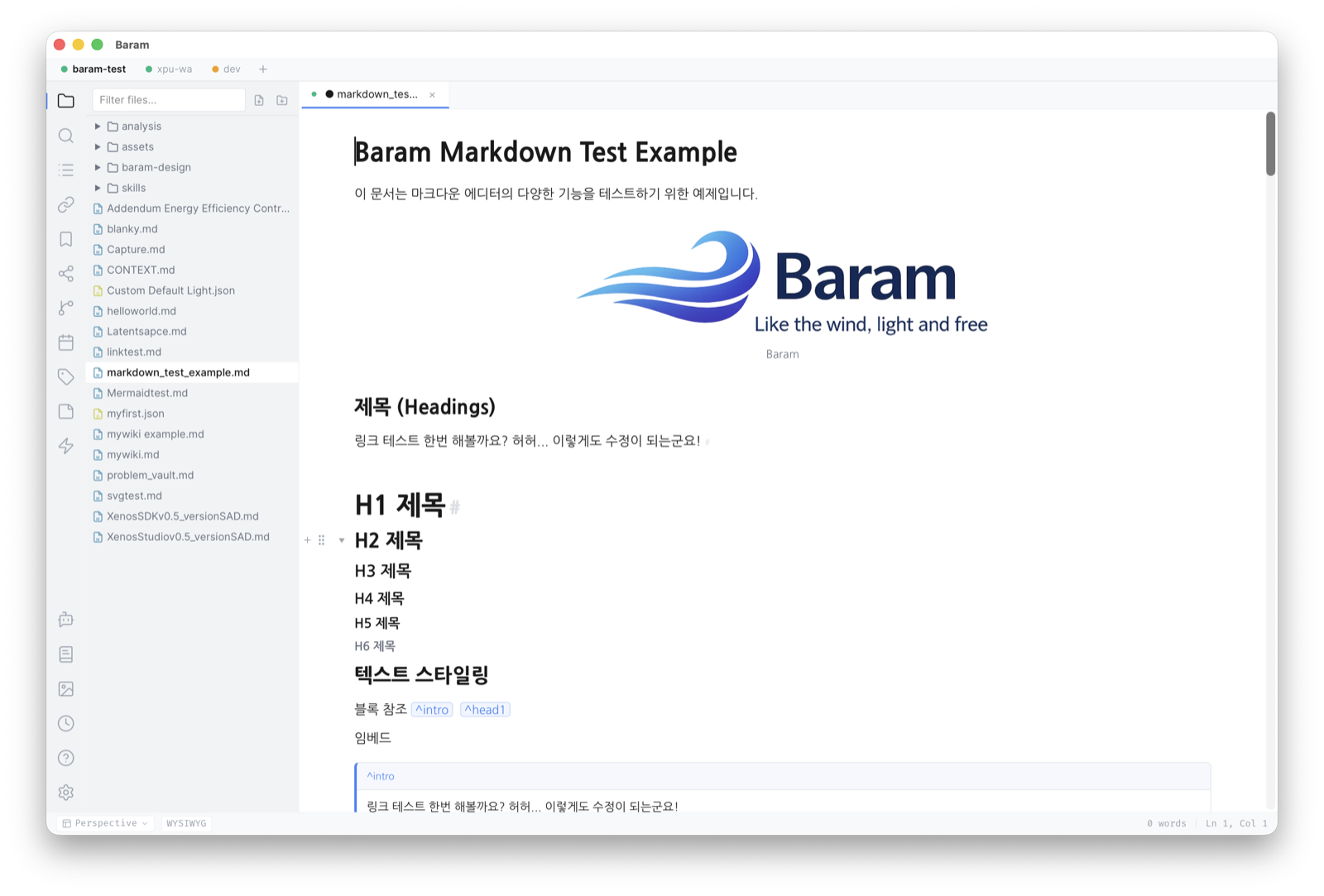
Markdown delimiters show only when your cursor enters the range — and vanish when you leave. What remains is beautifully styled text.
MD → editor → MD preserves your document exactly, including markup Baram does not render itself. Your notes are text files in your own folders — open them in any editor, today or in ten years.
Inline AI edits (Cmd+J), Ghost Text autocomplete, and AI chat — powered by Claude, OpenAI, Gemini, or local Ollama.
[[links]] with autocomplete, backlinks, block references, tags — and a visual graph of your knowledge.
Read PDFs in place — find, zoom, page and highlight panels. Highlight a sentence or a figure, then cite it in a note: the reference renders as the quote, or as the cropped region of the page.
KaTeX math, code blocks with highlighting for 14+ languages, Mermaid diagrams, SVG blocks, and advanced tables with cell merge.
Open multiple vaults, folders, and files side by side — each with its own tree, tabs, and settings — and switch layouts instantly with perspectives.
A diary-focused daily-notes space with calendar, photos, and streaks — plus an atomic-notes space where a capture's tags are its address: tag it with a note's name and it lands inside that note.
Every checkbox in your vault, indexed. Four states, due and scheduled dates, priority, repeat rules and time tracking — written as Obsidian-compatible fields you never have to type. An agenda buckets it all by Overdue, Today, and This week.
Install community plugins from a built-in, capability-gated marketplace — sandboxed by default, with signed withdrawal checks. Or build your own with the plugin API.
~10MB binary, instant startup, low memory. A desktop app that feels like the wind.
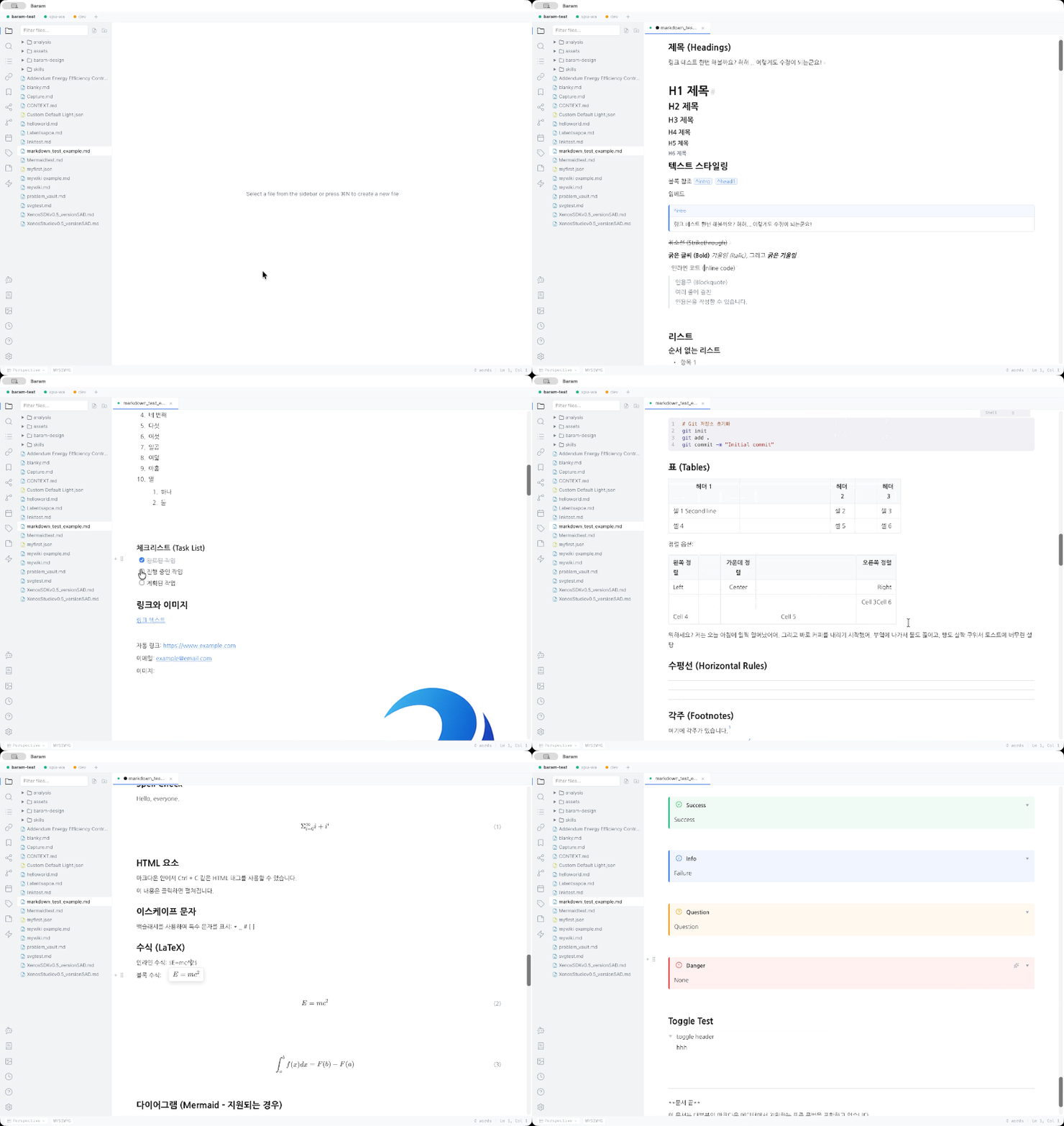
Syntax melts away as you type — watch Baram in action.
| Action | macOS | Windows / Linux |
|---|---|---|
| Quick Switcher | Cmd+K | Ctrl+K |
| Command Palette | Cmd+P | Ctrl+P |
| Inline AI Edit | Cmd+J | Ctrl+J |
| Source Mode | Cmd+/ | Ctrl+/ |
| Save | Cmd+S | Ctrl+S |
| Find | Cmd+F | Ctrl+F |
| Bold | Cmd+B | Ctrl+B |
| Toggle Fold | Cmd+Shift+[ | Ctrl+Shift+[ |
| Export | Cmd+Shift+E | Ctrl+Shift+E |
| Settings | Cmd+, | Ctrl+, |
Browse community plugins in the built-in, capability-gated marketplace — themes, tools, and editor extensions installed in one click. Want to build your own? Start with the development guide.
| Platform | Requirements | Format |
|---|---|---|
| macOS | macOS 13+ · Universal (Apple Silicon + Intel) | .dmg |
| Windows | Windows 10+ · x64 | .msi, .exe |
| Linux | x64 | .deb, .AppImage, .rpm |
macOS: Baram is signed with an Apple Developer ID certificate and notarized by Apple, so it opens without a Gatekeeper warning. On first launch macOS still asks to confirm an app downloaded from the internet — that prompt is normal and appears for every notarized app.
macOS asks once for access to folders such as Documents, Desktop, Downloads, or iCloud. Grant it and the permission persists, including across updates.
Windows: if SmartScreen blocks the app, choose More info → Run anyway.
Baram(바람) is a lightweight desktop WYSIWYG markdown editor built with Tauri 2.0, React, and Tiptap/ProseMirror. It combines Typora-style "disappearing syntax" WYSIWYG editing with bidirectional links and AI-powered writing assistance.
Baram runs on macOS (Apple Silicon and Intel), Windows (x64 and ARM), and Linux (x64).
Yes. Baram is free and open source software, licensed under the Apache License 2.0.
Yes. Baram's core principle is lossless roundtrip fidelity — when you open a markdown file, edit it, and save it, your content is preserved exactly. No proprietary format, no hidden database. When you use layout features such as table column resizing or diagram sizing, Baram stores that metadata as plain, visible markdown comments right in the file — standard markdown that other editors simply ignore.
Yes. Open Settings > Keybindings to see all shortcuts organized by category. Click Edit on any shortcut, press the new key combination, and click Apply.
Baram currently supports English and Korean for the entire user interface — menus, dialogs, settings, and all UI elements.
Baram is free and open source under Apache-2.0. If it makes your writing lighter, you can help keep it flying.